
Dec 26, 2025
9 Best Calorie Counter Apps to Gain Weight
TL;DR Gaining weight consistently is harder than it sounds, and most people under-eat without realizing it. The right calorie counter app helps you actually hit your surplus and adapts your macros at the right rate of progress. We choose Fitia over other apps for its personalized meal plans and verified food data.
Table of Contents
- How We Chose the Best Apps for Weight Gain
- Quick Comparison: Best Calorie Counter Apps for Weight Gain
- The 9 Best Calorie Counter Apps to Gain Weight
- Fitia — Best Overall
- MyFitnessPal — Best Food Database
- Cronometer — Best for Micronutrients
- MacroFactor — Best for Data-Driven Bulking
- Lose It! — Best for Beginners
- LifeSum — Best for Habit Building
- Yazio — Best for Structured Plans
- Noom — Best for Mindset & Consistency
- MyNetDiary — Best Clean UI
- Common Weight-Gain Mistakes (and How Apps Fix Them)
- FAQs
- Conclusion
Gaining weight sounds simple, just eat more, but in real life it’s usually about consistency, not huge meals once in a while. To gain weight in a healthy way, most people need a steady calorie surplus day after day (and often enough protein to support muscle). That’s where calorie counter apps help: they make your target clear and show whether you’re actually hitting enough calories across the week (even on busy days), low-appetite mornings, or weekends when routines fall apart.
In this guide, we’ll rank the 9 best calorie counter apps to gain weight, including apps that are great for fast food logging, macro tracking, meal planning, and progress tracking, so you can choose the one that fits your lifestyle and stick with it.
How We Chose the Best Apps for Weight Gain
We evaluated each app based on criteria that actually matter for bulking and healthy weight gain:
Selection Criteria
- Calorie surplus control: Easy to set and adjust calorie targets as your weight increases
- Macro tracking: Especially protein (with optional carb and fat targets)
- Fast logging: Barcode scanning, saved meals, recent foods, recipes
- Meal planning support: Meal plans, suggestions, grocery ideas, or inspiration
- Progress tracking: Weight trends, insights, reports
- Usability & value: Free vs premium features
Quick Comparison: Best Calorie Counter Apps for Weight Gain
App | Best For | Key Features | Pros / Cons | Price |
Fitia | Personalized meal plans, Dietitian-Verified Database | Custom calorie & macro plans, meal generation | ✅ Easy, personalized / ❌ Premium for full access | Free / Premium |
MyFitnessPal | Comprehensive food catalog | Barcode scan, fast logging | ✅ Huge database / ❌ Limited free macros | Free / Premium |
Cronometer | Micronutrient tracking depth | Detailed vitamins & minerals | ✅ Precision / ❌ Less beginner-friendly | Free / Premium |
MacroFactor | Adjusts calorie targets based on weight trends | Adaptive calorie targets | ✅ Smart adjustments / ❌ Paid only | Premium |
Lose It! | Simple tracking | Streaks, reminders | ✅ Beginner-friendly / ❌ Limited meal planning | Free / Premium |
LifeSum | Habits & meal inspiration | Food ratings, plans | ✅ Lifestyle focus / ❌ Less macro depth | Free / Premium |
Yazio | Structured plans | Macro targets, plans | ✅ Balanced approach / ❌ Some paywalls | Free / Premium |
Noom | Behavior change | Coaching, psychology-based | ✅ Consistency focus / ❌ Less macro control | Premium |
MyNetDiary | Clean UI & detailed tracking | Reports, custom goals | ✅ Easy & detailed / ❌ Less personalization | Free / Premium |
The 9 Best Calorie Counter Apps to Gain Weight
#1 Fitia
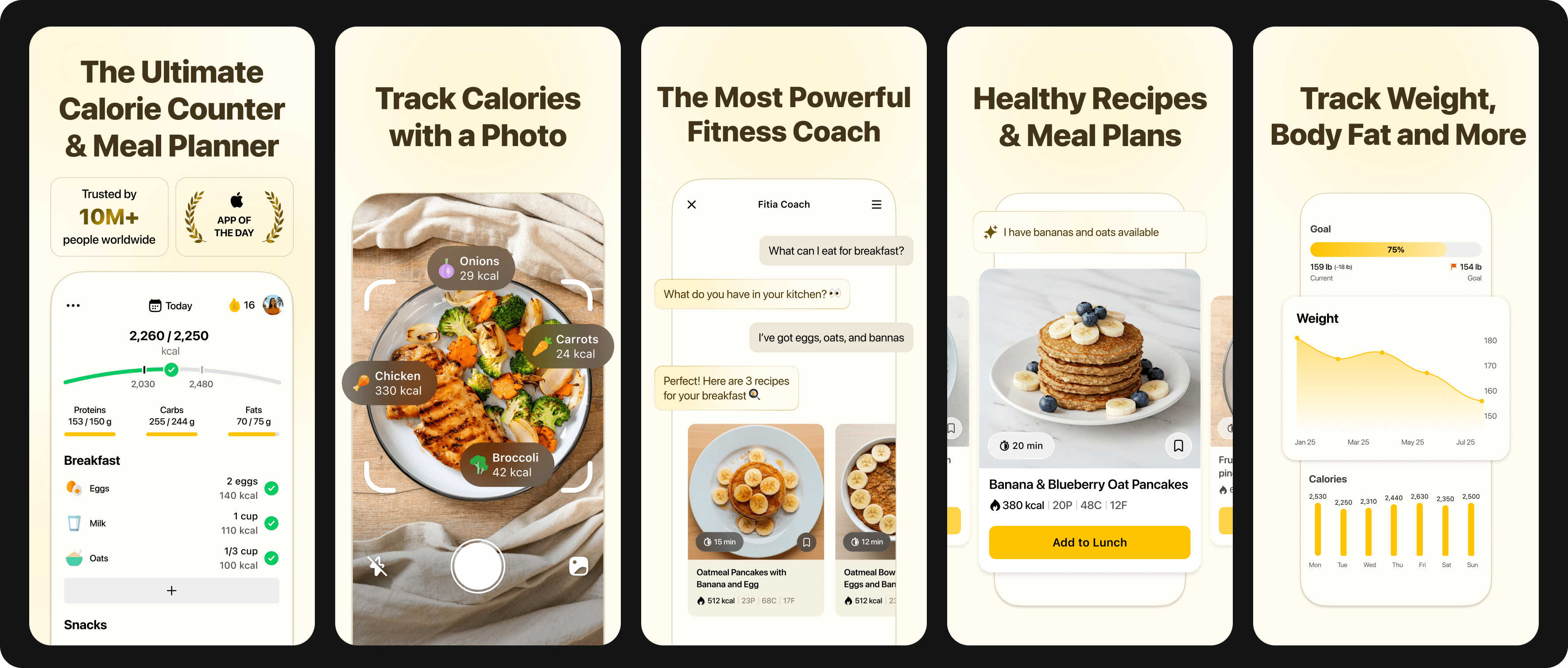
Best for: Personalized meal planning + hitting calorie and macro targets for bulking
Why it helps with weight gain:
Fitia is built around personalization. You get meal plans and calorie targets tailored to your goal (bulking, slow weight gain, or strength training), and you can log with confidence using Fitia’s largest verified food database, which helps you stay consistent day to day.
Key features:
- Personalized calorie surplus
- Automatic meal plan generation
- Macro tracking (protein, carbs, fats)
- Simple logging workflow
- Weekly progress tracking
Pros / Cons:
✅ Very easy to follow
✅ Strong focus on consistency
❌ Full features require premium
How to use it for gaining weight (tips):
- Set a moderate surplus (not extreme)
- Create “high-calorie staple meals” you can repeat
- Review weekly averages, not daily calories
#2 MyFitnessPal
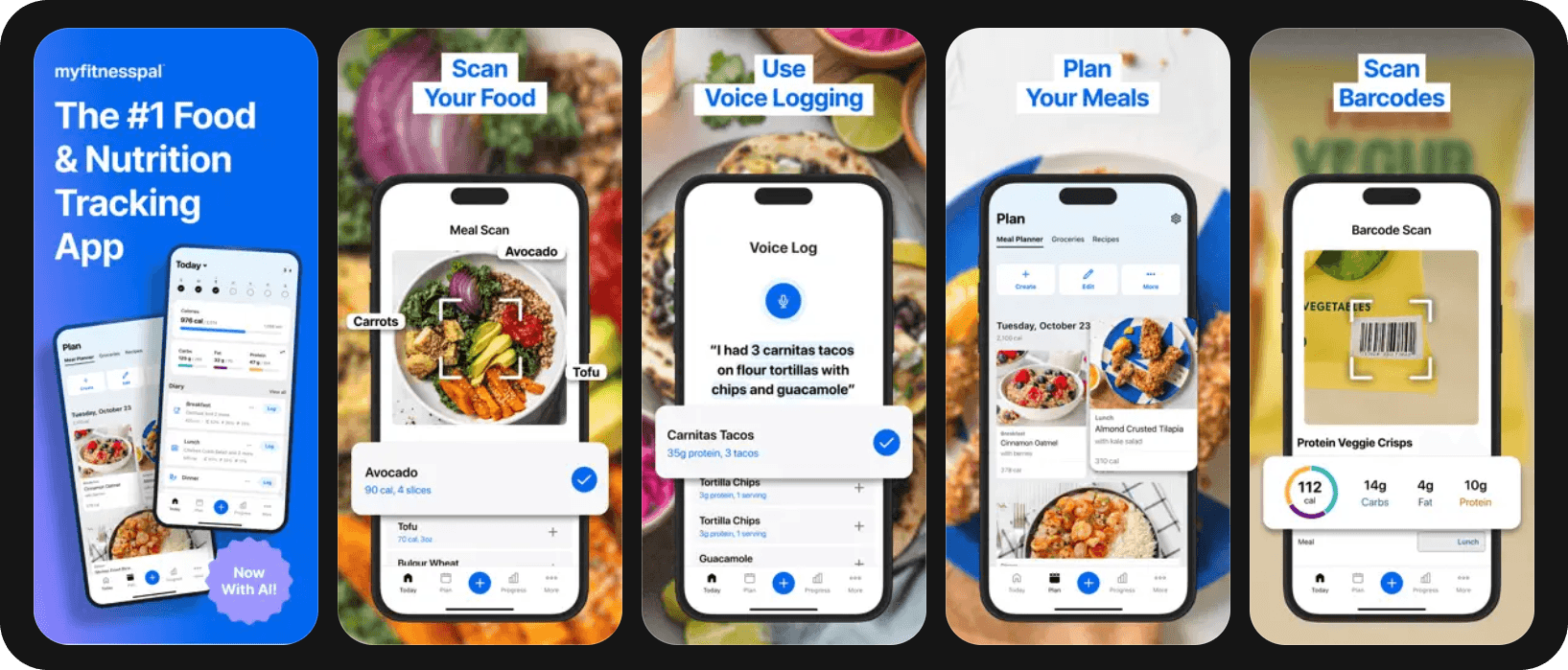
Best for: Broad food database for fast entry
Why it helps:
MyFitnessPal makes it easy to confirm whether you’re actually in a surplus, especially if you eat out often or use packaged foods.
Key features:
- Food database created by users
- Barcode scanning
- Saved meals & recipes
Tips for weight gain:
- Save high-calorie meals for fast logging
- Track weekly calorie averages, not single days
#3 Cronometer
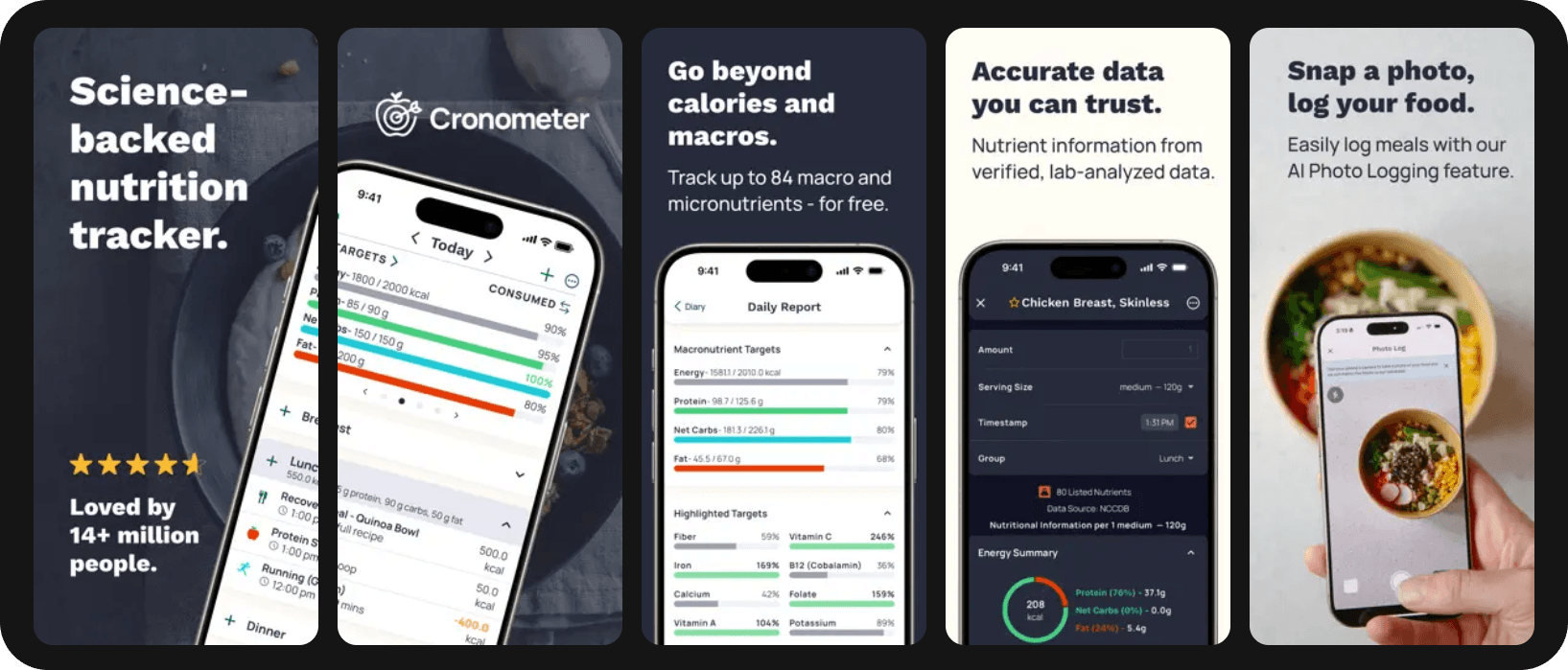
Best for: Nutrient-dense weight gain
Why it helps:
Perfect if you want to gain weight without micronutrient gaps. Cronometer tracks vitamins and minerals in detail.
Tips:
- Keep protein high while increasing calories
- Monitor fiber, iron, calcium, and zinc during bulking
#4 MacroFactor
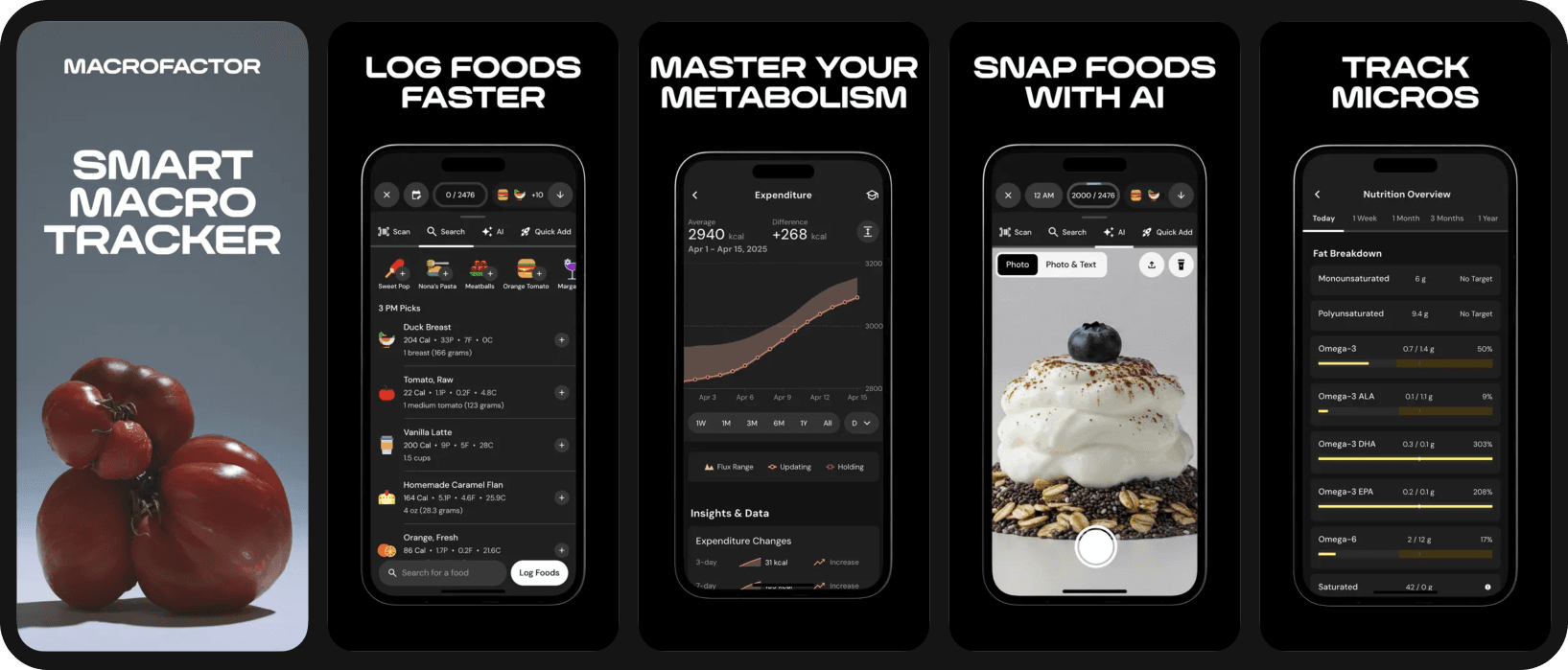
Best for: Data-driven bulking
Why it helps:
MacroFactor adjusts calorie targets automatically based on real weight trends.
Tips:
- Use trend weight, not daily weigh-ins
- Adjust intake if gain is too slow or too fast
#5 Lose It!
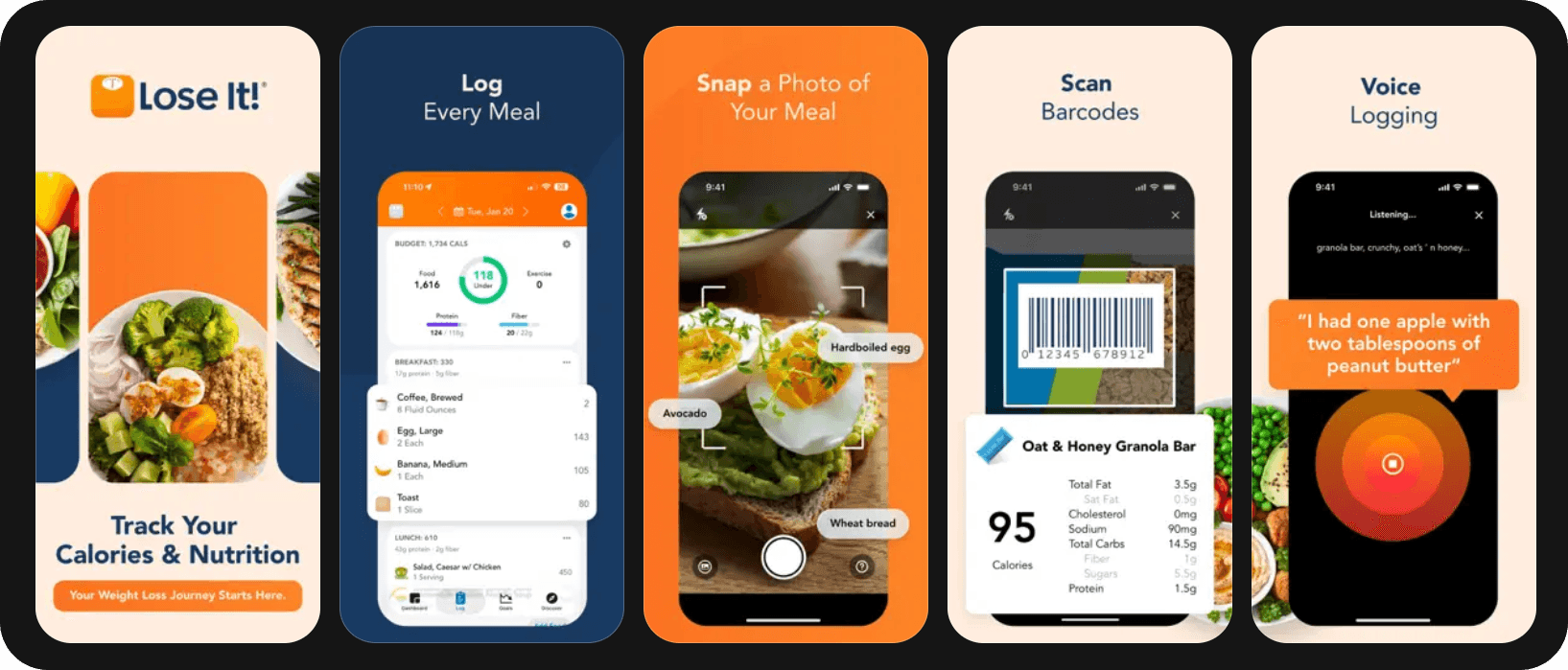
Best for: Beginners who want simplicity
Why it helps:
Simple tracking, reminders, and streaks help you avoid missed meals.
Tips:
- Log snacks consistently
- Use reminders to maintain surplus daily
#6 LifeSum
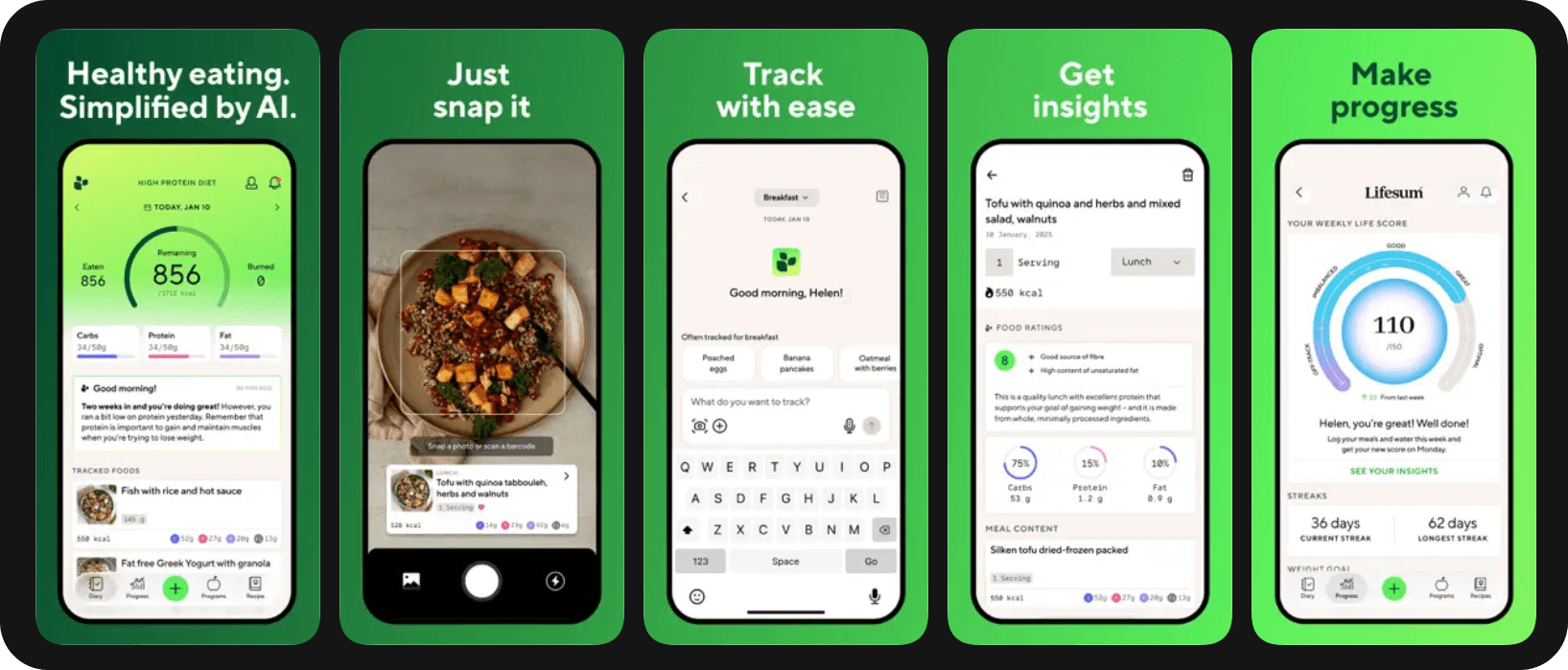
Best for: Habit-building & meal inspiration
Why it helps:
LifeSum focuses on routines and meal ideas, which is useful if appetite is inconsistent.
Tips:
- Increase meal frequency
- Use meal inspiration to reduce decision fatigue
#7 Yazio
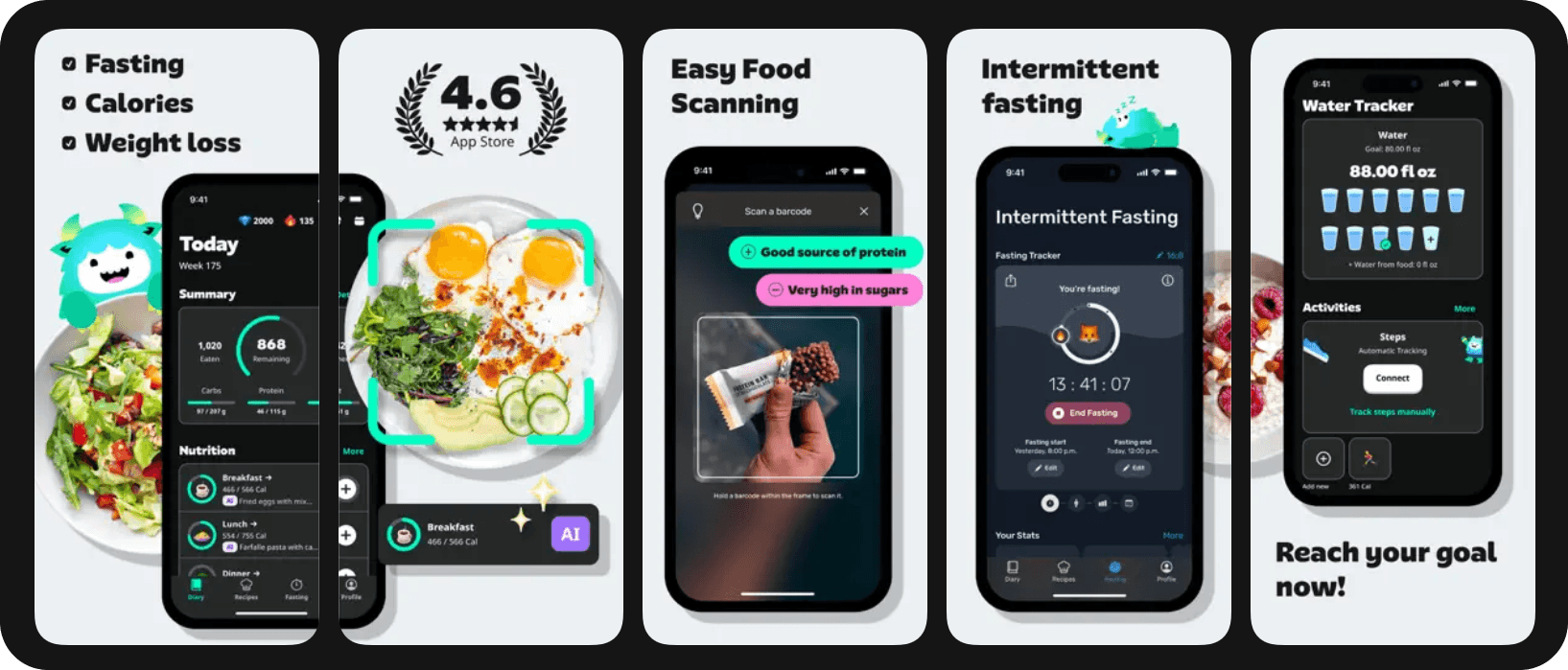
Best for: Structured plans + macros
Why it helps:
A balanced option between simplicity and macro tracking.
Tips:
- Set a clear weight-gain goal
- Prioritize protein and total calories
#8 Noom
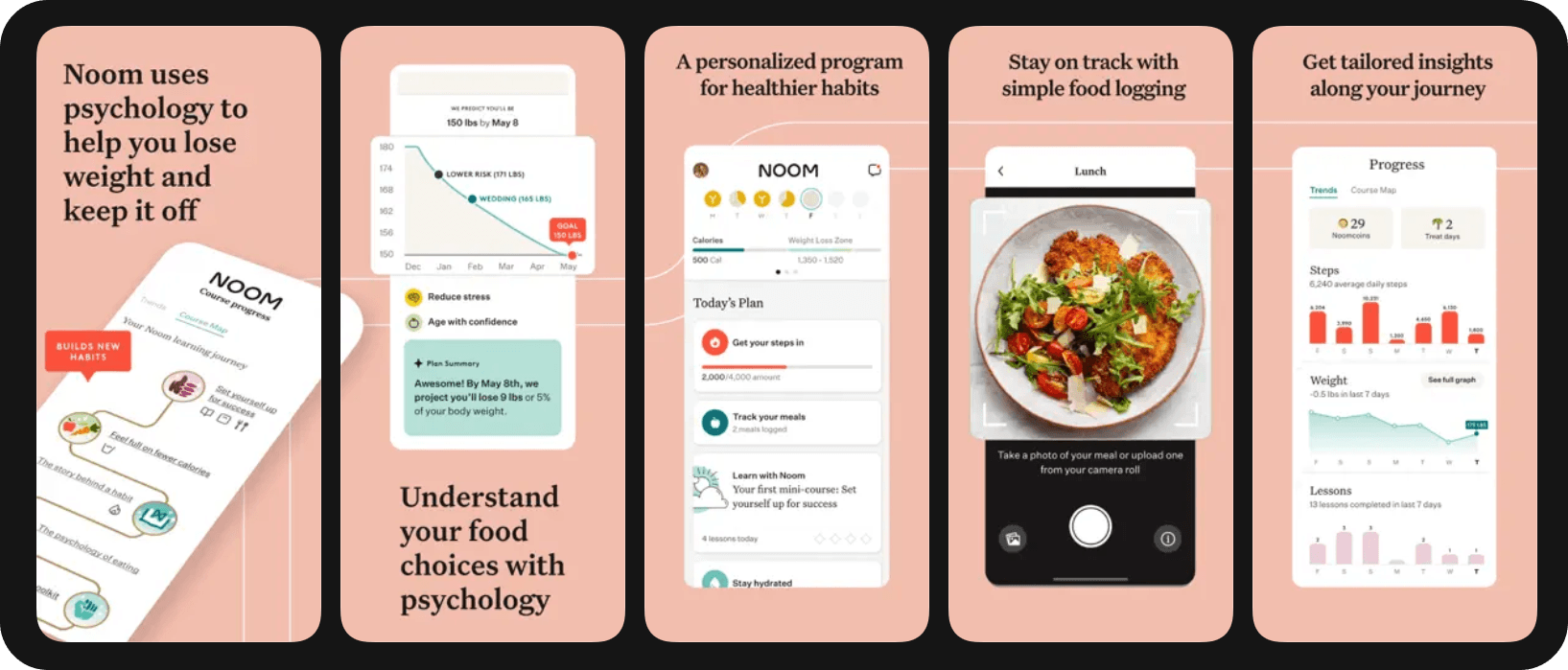
Best for: Consistency & mindset
Why it helps:
Useful if stress, appetite, or habits are blocking consistent eating.
Tips:
- Build non-negotiable meals (breakfast, snacks)
- Reduce skipped meals
#9 MyNetDiary
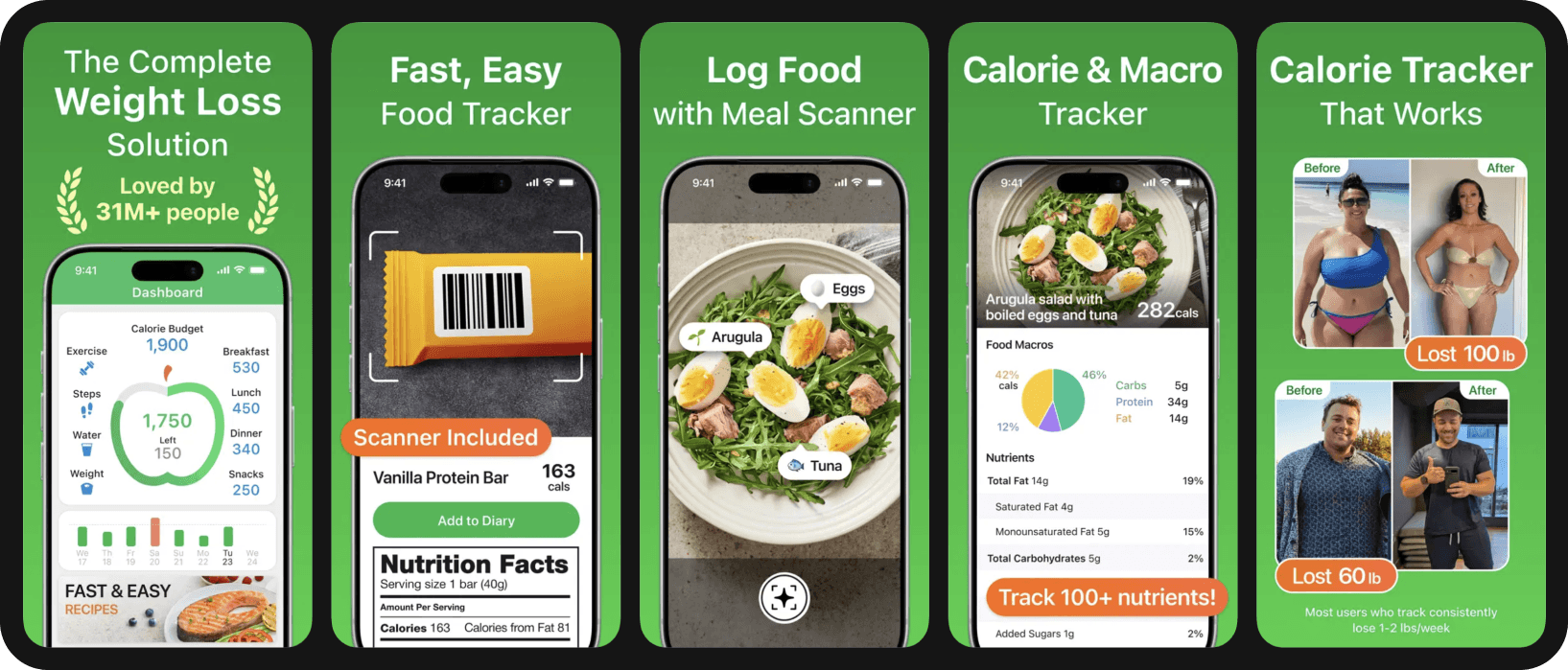
Best for: Clean UI + detailed tracking
Why it helps with weight gain:
Makes consistent logging easier, helping confirm you’re truly in a surplus.
Tips:
- Set a custom surplus target
- Review weekly weight trends and adjust
Common Weight-Gain Mistakes (and How Apps Fix Them)
- Not actually in a surplus: Apps reveal hidden calorie gaps
- Inconsistent weekends: Tracking exposes low-intake days
- Underestimating portions: Logging improves accuracy
- Too little protein: Macro tracking keeps intake balanced
- Overreacting to daily weight: Trend data reduces frustration
FAQs – Weight Gain & Calorie Tracking
What calorie surplus supports healthy weight gain?
A surplus of 250–500 calories/day is usually sustainable.
How much protein do I need to gain muscle?
Roughly 1.6–2.2 g per kg of body weight.
Why am I not gaining weight even though I eat more?
Inconsistency, portion underestimation, or missing weekends are common causes.
Are calorie counter apps accurate?
They’re estimates, but consistency matters more than precision.
How long does it take to see results?
Most people notice changes within 3–6 weeks if intake is consistent.
Conclusion: Which App Is Best for Gaining Weight?
All calorie counter apps can help you see what you’re eating, but not all of them help you eat better for weight gain. The right choice depends on whether your main challenge is logging speed, nutrition detail, or actually knowing what to eat to stay in a calorie surplus.
For most people trying to gain weight, the biggest problem isn’t tracking, it’s consistency and decision fatigue. That’s where Fitia stands out as the best overall option. Fitia doesn’t just tell you how many calories to eat, it helps you decide what to eat through personalized calorie targets and meal plans adapted to your goal. Combined with a large verified food database, this makes tracking faster and removes daily guesswork, which is often what causes people to under-eat without realizing it. If you want a calorie counter that supports weight gain in a practical, repeatable, and sustainable way, Fitia offers the most complete solution: set your surplus, follow a plan built for you, review weekly averages, and adjust as you go.
Try Fitia to set a calorie surplus and follow personalized meal planning designed to support healthy weight gain, without overthinking every meal. Use code FITIANOW to save on Fitia Premium
Fitia: Meal Plans & Calorie Counter
We use cookies to enhance your browsing experience, analyze site traffic, and personalize content. By clicking 'Accept', you consent to the use of these technologies in accordance with our Privacy Policy.