What's the Best Food Tracking App in the US (2026)? Fitia vs MyFitnessPal vs Cronometer vs Lose It vs MacroFactor — Honest Comparison & How to Choose
Compare Fitia, MyFitnessPal, Cronometer, Lose It, and MacroFactor on pricing, free tier, database, and meal planning. Pick the one you'll actually use.
- Published
- Updated
- 7 min read
- 7 min read

TL;DR: Picking a food tracking app in the US in 2026 is hard mostly because the market is full of options that look the same on the surface. This guide breaks down the five worth considering (Fitia, MyFitnessPal, Cronometer, Lose It!, and MacroFactor) by pricing, free-tier strength, database approach, and meal planning. The best app is the one you'll actually keep opening, so pick on interface fit and goal match rather than on famous name or database size.
Table of Contents
- The five food tracking apps to actually consider in the US (2026)
- Pricing and free-tier comparison at a glance
- Bottom line
In today's digital nutrition landscape, one thing is certain: there are too many options to choose from!
Calorie trackers, food planners, AI, no AI... where do you even begin?
Luckily, a few apps have stuck around long enough to prove themselves. Some have pushed to the top in other markets and are now finding a place in the US, like Fitia. Others have been there for what feels like forever, so simple to just recommend them to a friend or family member.
Let's dig into the food tracking apps worth considering if you live in the US.
The five food tracking apps to actually consider in the US (2026)
Fitia: kind of the new kid on the block
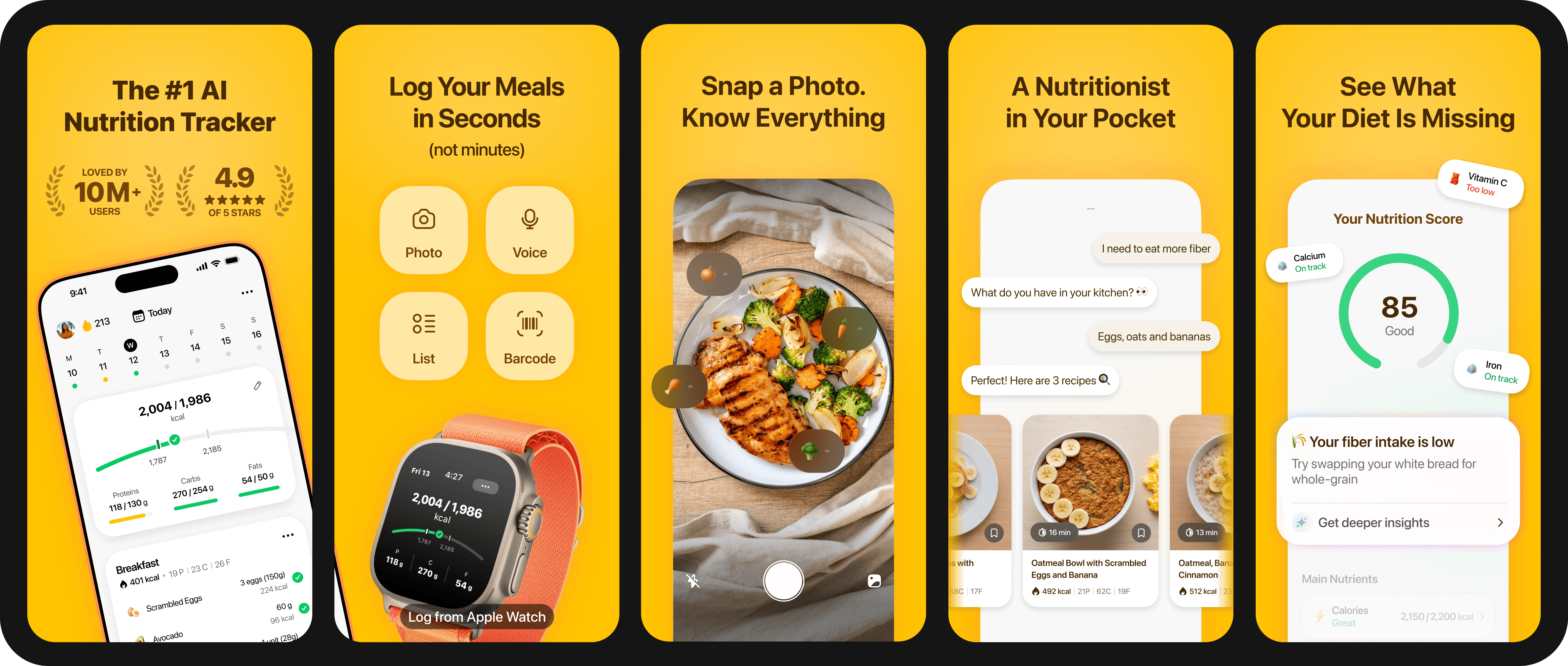
Fitia has close to 3 years of presence in the US, but it backs its app with over 7 years of experience worldwide, time spent building one of the most beloved nutrition apps in Spanish-speaking markets, and the highest ranked. It is the only app on this list that shipped a verified food database, AI-assisted logging, and an automatic meal plan generator in the same product before it was cool (now the only other competitor with this is MyFitnessPal).
Fitia's onboarding focuses on personalizing the best possible plan for you based on your goal (Fat Loss, Muscle Gain, or Maintenance) and food preferences. It sets macro and micro goals for you and can also generate a full weekly meal plan around those same targets, for people who struggle with food choices or prefer to know in advance what to eat.
Fitia's food database is nutritionist-verified rather than crowdsourced, completely curated for the US, and the free tier includes the core calorie counter, macro tracker, barcode scanner, water tracking, and goal-based onboarding.
- Pricing (2026, US): Free tier with core tracking. Premium is $19.99/month or $59.99/year, with a 3-day free trial on the annual plan and a Family plan at $89.99/year for 2–6 users. Premium adds AI logging, full meal planning, AI Coach, recipes, and shopping lists.
- Best for: Users who want the app to decide what they eat instead of just counting it; users who want a verified database with US foods and brands; anyone tired of piecing together a deficit from random advice.
- Watch out for: Less name recognition in the US than MyFitnessPal or Lose It! Meal planning and AI logging sit behind the Premium tier.
MyFitnessPal: the popular player
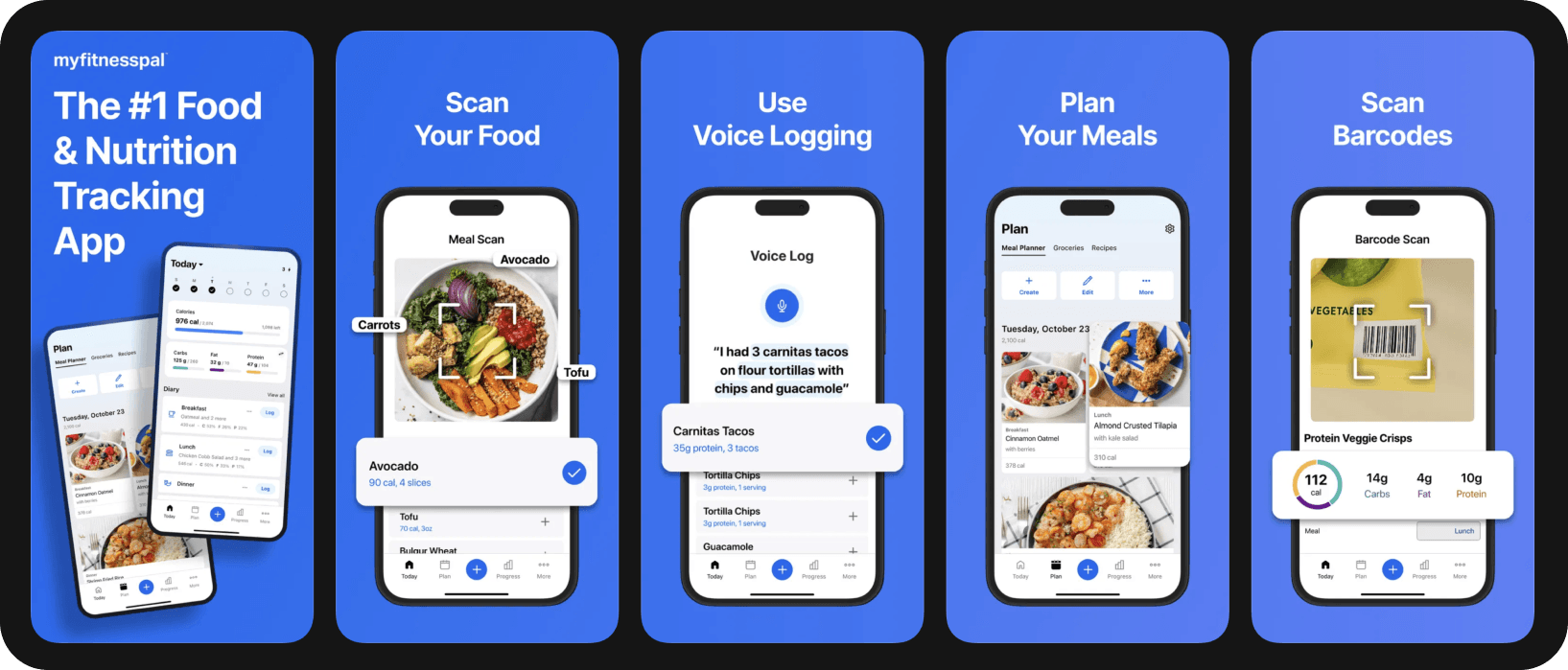
One of the most recognizable names in food tracking, with one of the largest food databases in the category (claimed at 20 million+ items) and broad device integrations.
This popularity hasn't been without its drawbacks, though. Some years back, MyFitnessPal moved several core features behind its Premium paywall, in particular the barcode scanner, which as of today remains one of those things everyone points at.
Over the years, MyFitnessPal has been criticized for a lack of innovation in the industry, which led the company to aggressively incorporate AI into the app, maybe at a faster pace than they should have, since we've seen a lot of backlash on its subreddit after the April 2026 update.
As of 2026, MyFitnessPal has all basic food tracking features plus AI logging, including photo, voice, and text. At a higher tier (Premium+), they offer meal planning too.
- Pricing (2026, US): Free; Premium $79.99/year ($19.99/month); Premium+ $99.99/year ($24.99/month, adds meal planning).
- Best for: Users who already paid in past years and anyone whose food fits the brand-name and chain-restaurant items the database covers well.
- Watch out for: A crowdsourced database with documented accuracy issues and an increasingly aggressive paywall.
Cronometer: all in on accuracy
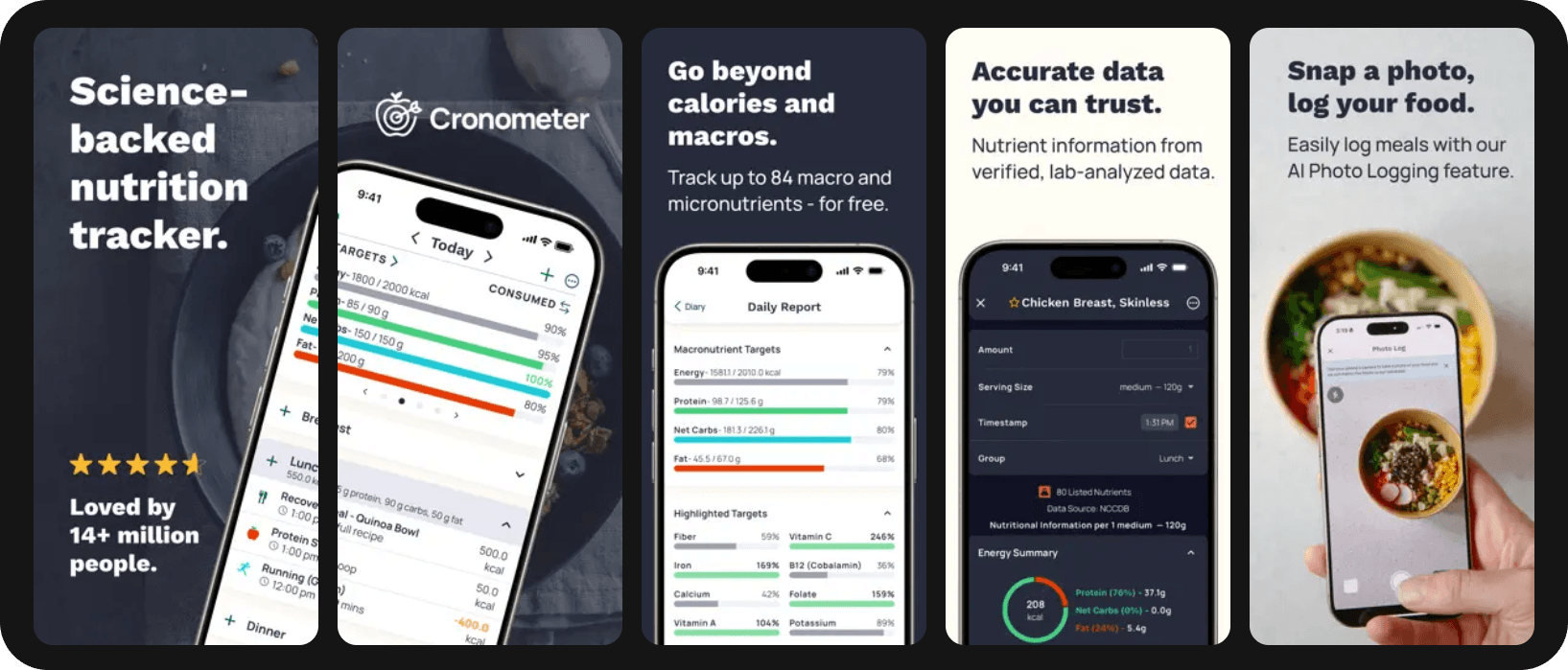
Cronometer has been marketed all these years as really strong on data quality and with good measure, as its database pulls from multiple official sources such as USDA, NCCDB, and others, rather than user submissions, and it tracks 84+ nutrients including vitamins, minerals, and amino acids.
Its main strength, however, has become easier to replicate over the years, and most competitors are now equally proficient at micronutrient tracking. It's only a matter of time until other apps start including broader health tracking with more biometrics, and Cronometer may find itself needing to step up its game.
- Pricing (2026, US): Free basic plan; Cronometer Gold $59.99/year ($10.99/month).
- Best for: Users on restrictive diets (vegan, low-FODMAP, keto), people managing a specific deficiency (iron, B12, vitamin D), athletes.
- Watch out for: Interface not as user-friendly as other options; smaller packaged-food database; no integrated meal planning.
Lose It!: Straightforward tracking
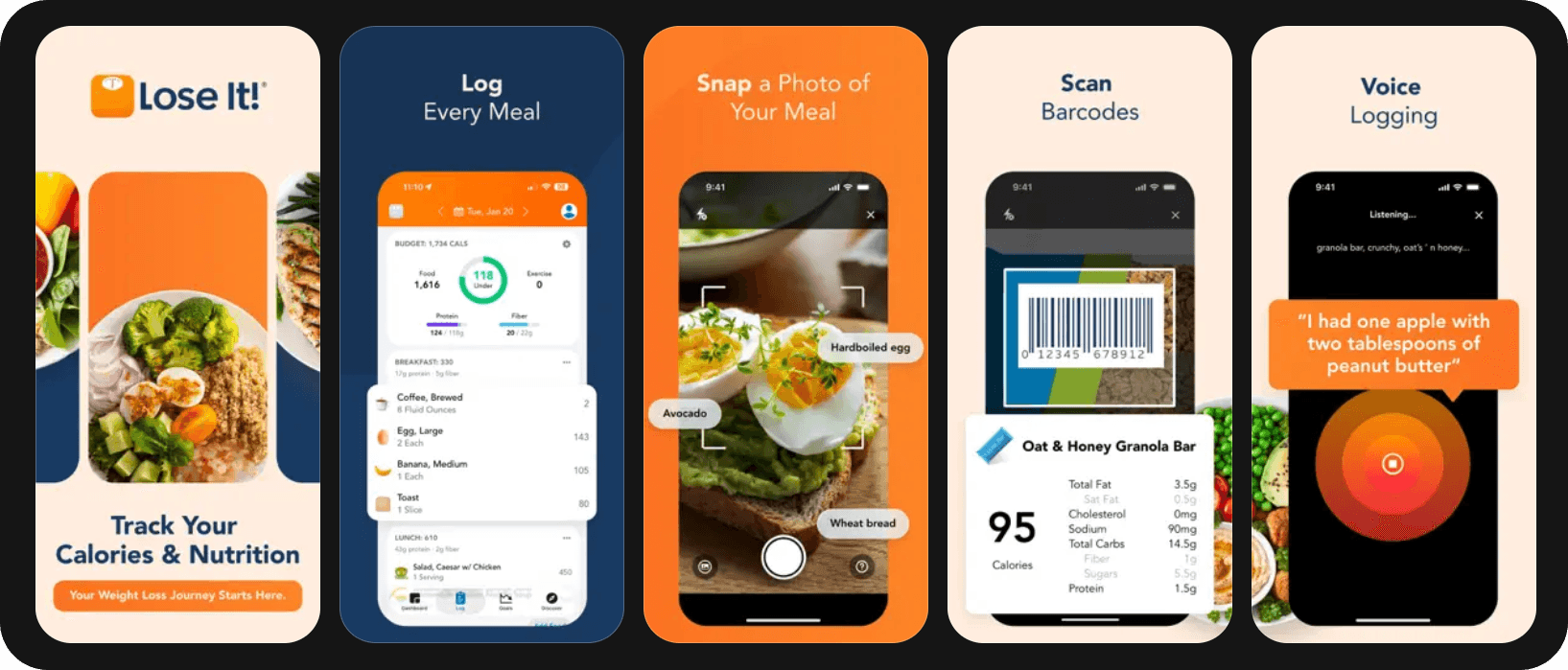
It's crazy how Lose It! claims a 56+ million global food database, which would be the biggest one reported yet, and still everyone points at MyFitnessPal as the largest database. Mind you, Lose It! has carved out this database with the help of users and barcode scans, and the sheer amount of entries makes most of them impossible to verify. Lose It! lands at the same crossroads as MyFitnessPal: a massive database that sacrificed verification for scale.
Other than that, the app is just very straightforward. You count your macros with the usual methods, including AI logging, and the app helps you go through your diet.
If anything, it's the pricing that helps push Lose It! to a broader audience, but only if you get the annual plan or the lifetime plan.
- Pricing (2026, US): Free; Premium $39.99/year or $19.99/month; Lifetime ~$249.99–$299.99 (one-time).
- Best for: People who want a straightforward tracker at a lower price than most apps.
- Watch out for: Crowdsourced database (same accuracy concerns as MyFitnessPal); barcode scanning availability in the free tier has changed recently; no integrated meal planning.
You may like: MyFitnessPal vs. Lose It! vs. Fitia (2026): A Calorie Counter Food Database Comparison
MacroFactor: all in on the science
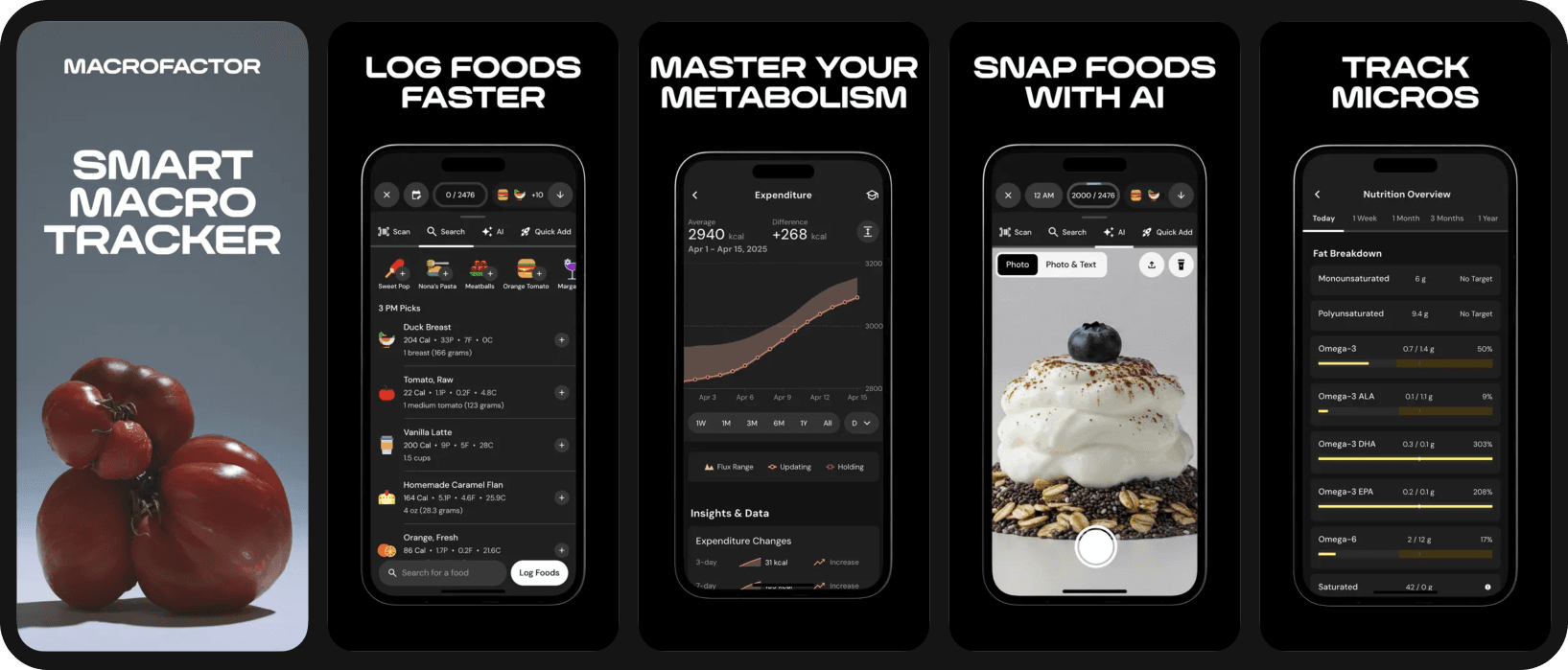
Just as Lose It! is somewhat a parallel to MyFitnessPal, MacroFactor walks a similar path to Cronometer. But where Cronometer goes all in on accuracy, MacroFactor goes all in on being backed by science, in particular when building its signature feature: the adaptive TDEE algorithm.
Now, it does sound technical, but what it does is very straightforward: as your body weight changes, your calories and macros change, so the pace of weight gain or weight loss stays on track.
Beyond the adaptive TDEE, the app follows the usual trends for its type: a verified but smaller database that pulls from sources like the NCC Food and Nutrient Database, all traditional types of logging, and up-to-date AI logging that for some reason feels a bit hidden in the interface.
Same as with Cronometer, though, adaptive macros aren't impossible to replicate. Other apps now offer something similar, including Fitia. So eventually MacroFactor will need to find a way to stay ahead.
- Pricing (2026, US): No free tier; 7-day free trial; subscription $11.99/month or $71.99/year.
- Best for: Experienced trackers and anyone who has failed to deal with diet plateaus before.
- Watch out for: No free tier; no integrated meal planning; steeper learning curve; assumes you already understand TDEE, protein targets, and macro splits.
Pricing and free-tier comparison at a glance
| App | Free tier strength (2026) | Annual cost (Premium) | Database approach | Built-in meal planning |
|---|---|---|---|---|
| Fitia | Generous | $19.99/month or $59.99/year | Verified | Yes (Premium) |
| MyFitnessPal | Limited (no barcode scanner) | $19.99/month or $79.99/year (Premium+: $99.99) | Crowdsourced, large (some verification) | Premium+ only |
| Cronometer | Generous | $10.99/month or $59.99/year | Verified | No |
| Lose It! | Limited (no barcode scanner) | $19.99/month or $39.99/year (Lifetime ~$249–$299) | Crowdsourced, large (some verification) | No |
| MacroFactor | None (7-day trial only) | $11.99/month or $71.99/year. | Verified | No |
Bottom line
In the US in 2026, the right food tracking app depends on what you actually want from it rather than on which app is most famous. Every app has its strengths and its parallels with other competitors, and we would say they all get the job done. Just choose the one whose capabilities or pricing appeal to you the most.
The single most important advice in this entire article: the best app is the one you'll consistently use. Try a few free versions, check how you like the interfaces, maybe start a couple of free trials. Just don't let yourself get fooled by large databases or shiny features.
Try it free → Start Fitia's free trial and let the app set up your deficit and meal plan for you.
Related articles
 Fat Loss
Weight Loss Calorie Chart (2026): How Many Calories to Eat by Body Weight, Sex, and Activity
See how many calories to eat to lose weight, with simple charts by body weight and activity, plus why your target changes as you go.
Read article
Best Calorie Counter App for Muscle Gain in the US (2026): 4 Apps Compared for Lifters
The 4 best calorie counter apps for US lifters in 2026, compared on macros, database, adaptation, and meal planning.
Read article
Best Online Nutrition Coach in the US (2026): What to Look For Before You Pay
Online nutrition coaching in the US 2026: three tiers, what the research says, and the red flags to spot before you pay for an app or coach.
Read article